Timetrack
Billable hours for work done with AI coding agents.
Timetrack, designed and built end to end: a secure sign-in, a live dashboard, an audit-ready time log, client reports and billing rules, built the way production apps need it.
- Next.js
- React
- TypeScript
- Zod
- Deno
- Hono
- Supabase
- PostgreSQL
- Edge Functions
- Python
- Vercel AI SDK
- Docker
- Vercel
- GitHub Actions CI/CD
- Biome
What it does

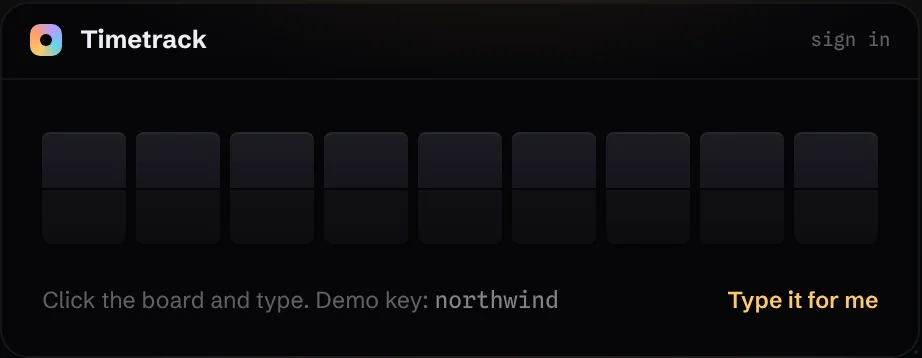
Sign-in that fits the product.
A one-owner app doesn’t need accounts. One key, set into a split-flap board that answers for itself. Try it.
- The key never appears on screen
- Signed session cookie, real sign-out
- Still works with JavaScript off
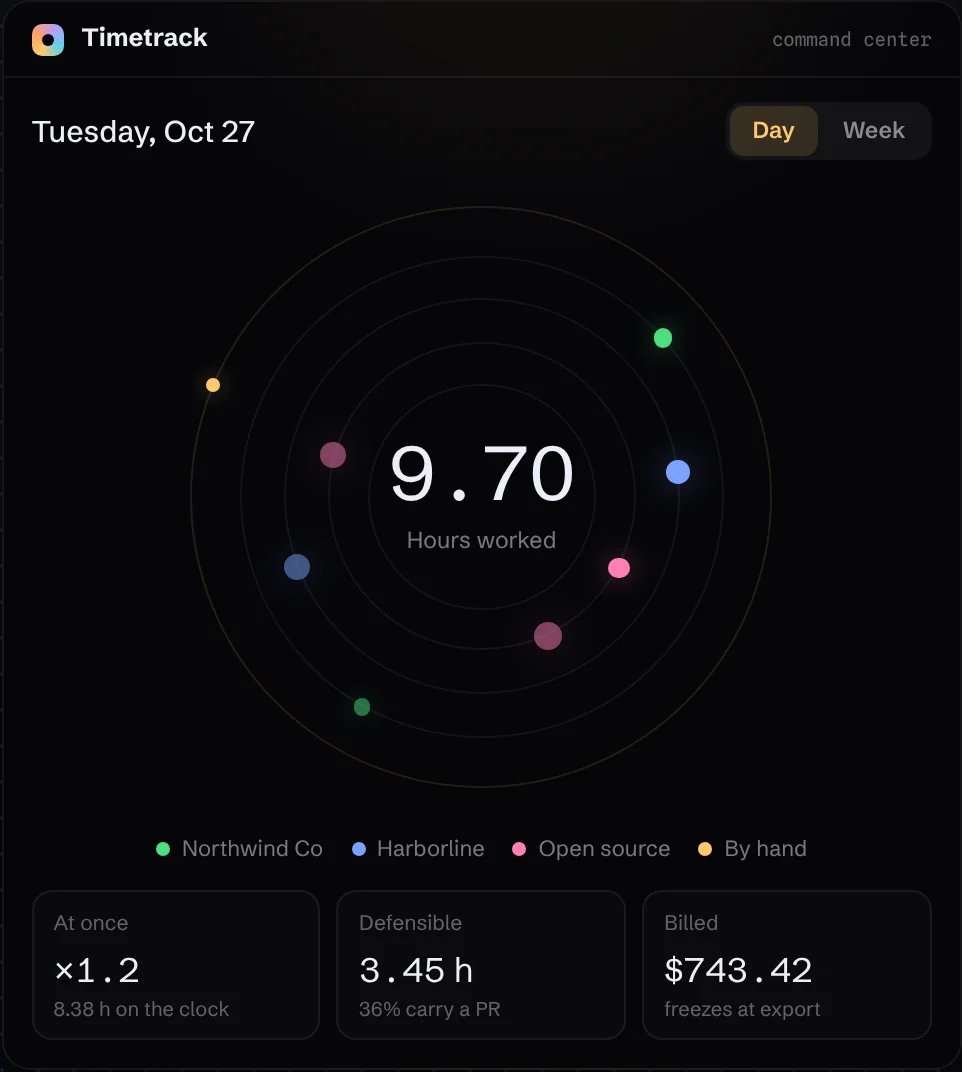
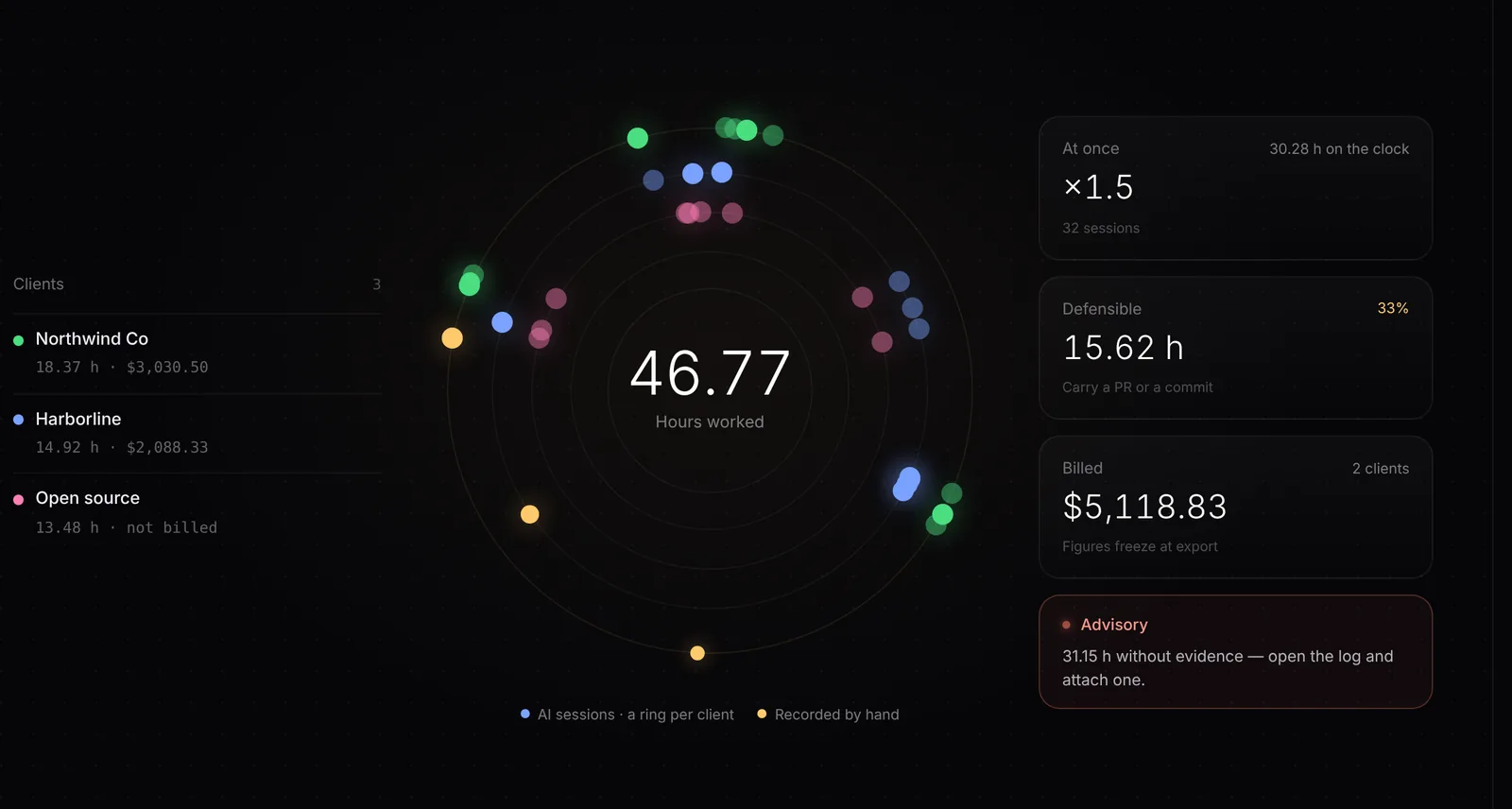
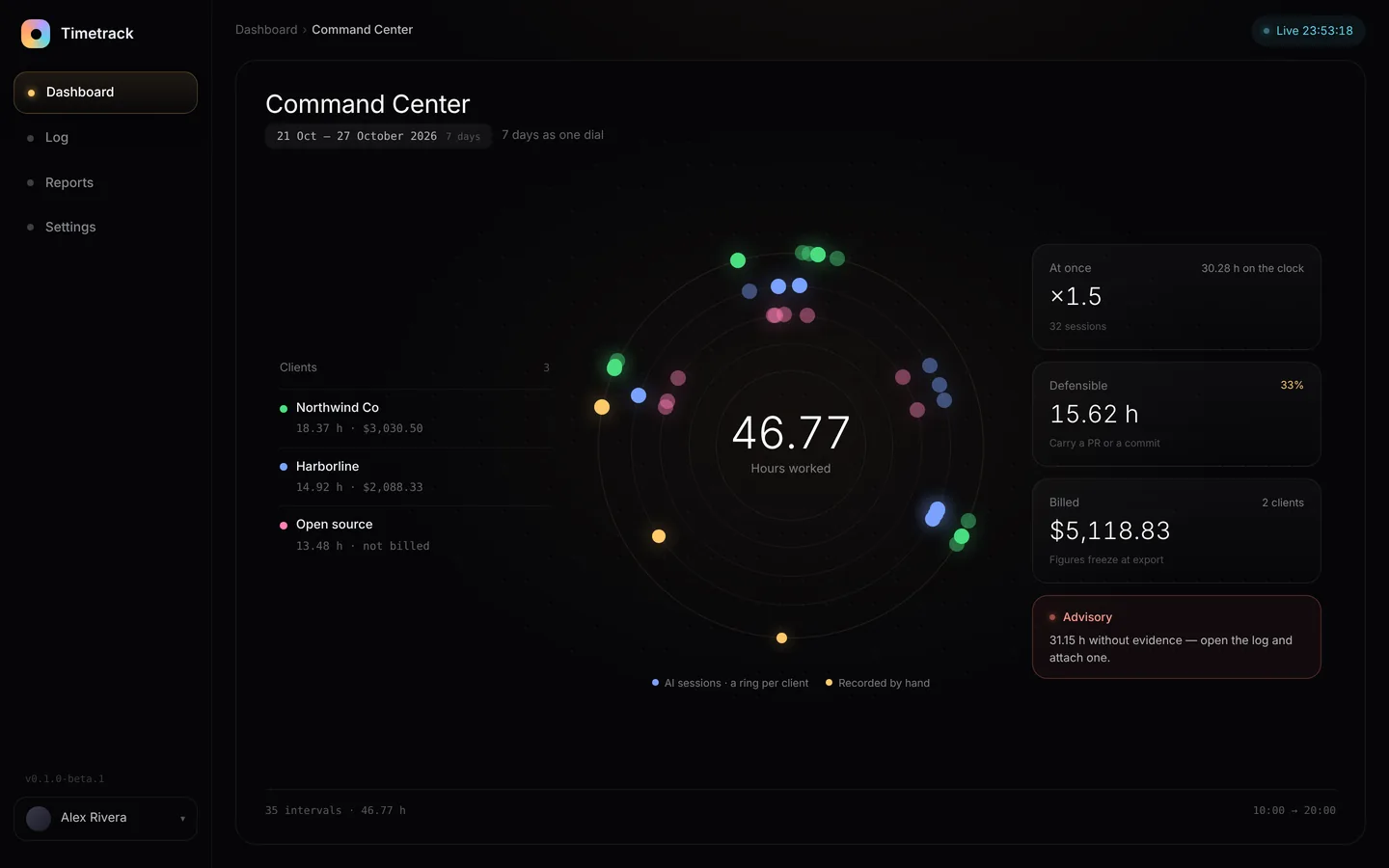
A whole day in one glance.
Every session lands on a dial by when it happened, one ring per client. Point at any dot for the story behind it.
- Hours, overlap and billing together
- Unproven time dims on its own
- Day or week, same dial
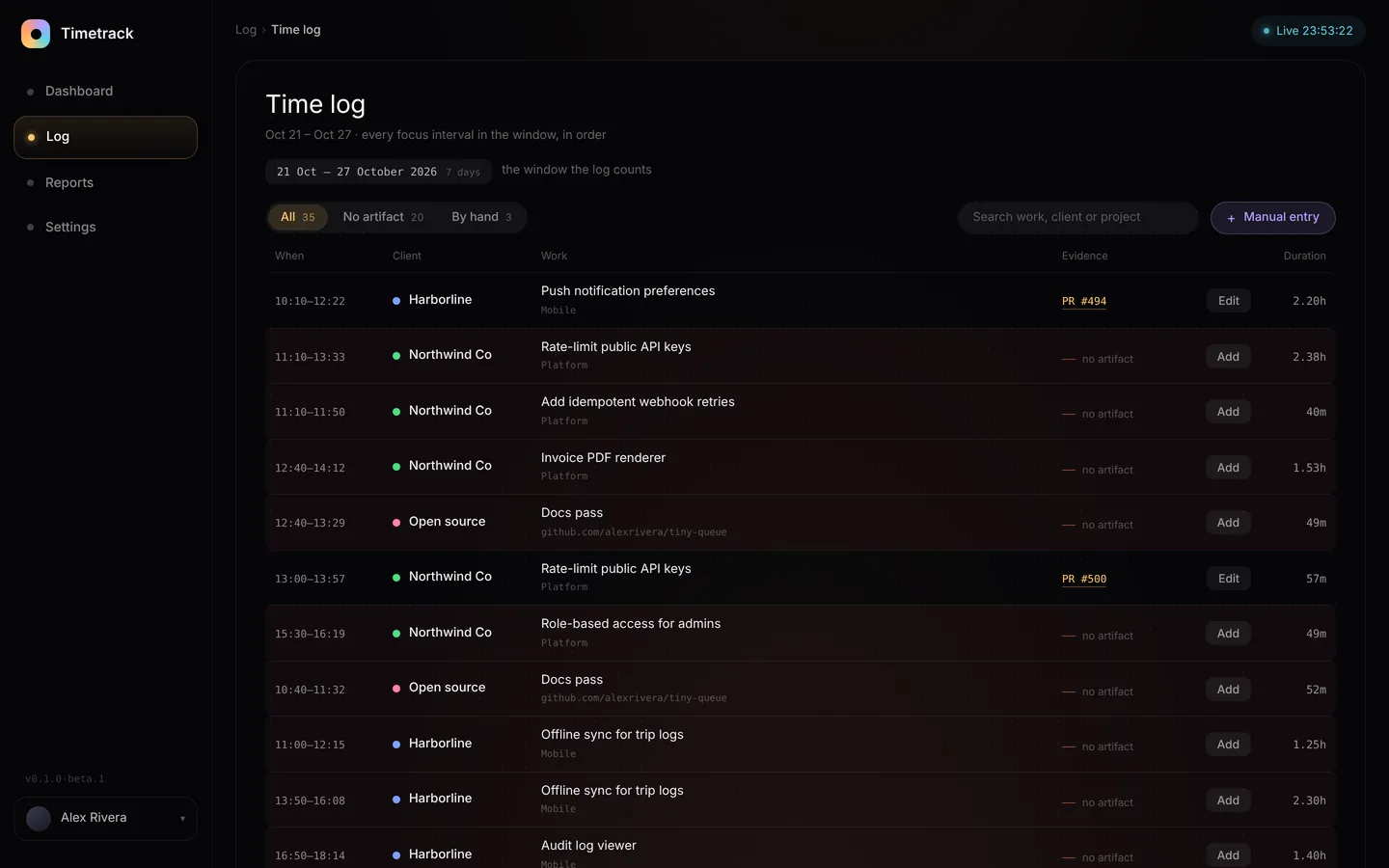
Every hour, with receipts.
The log ties each session to the pull request or commit that proves the work happened.
- Filter to what lacks evidence
- Attach a PR in one click
- Search by work, client or project
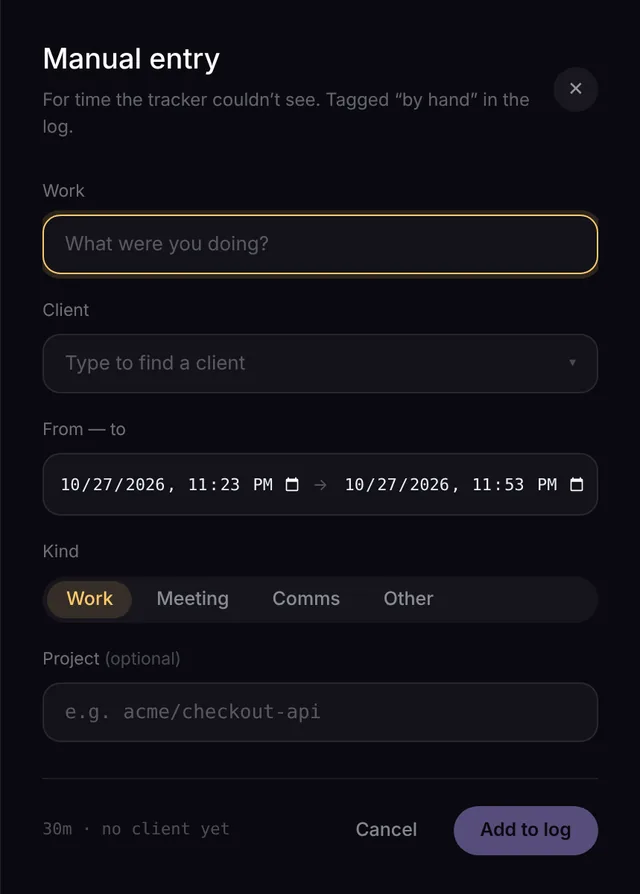
For the time the tracker can’t see.
Calls and meetings go in by hand, tagged so they’re never mistaken for tracked time.
- Find a client as you type
- Duration worked out for you
- Marked “by hand” everywhere it shows
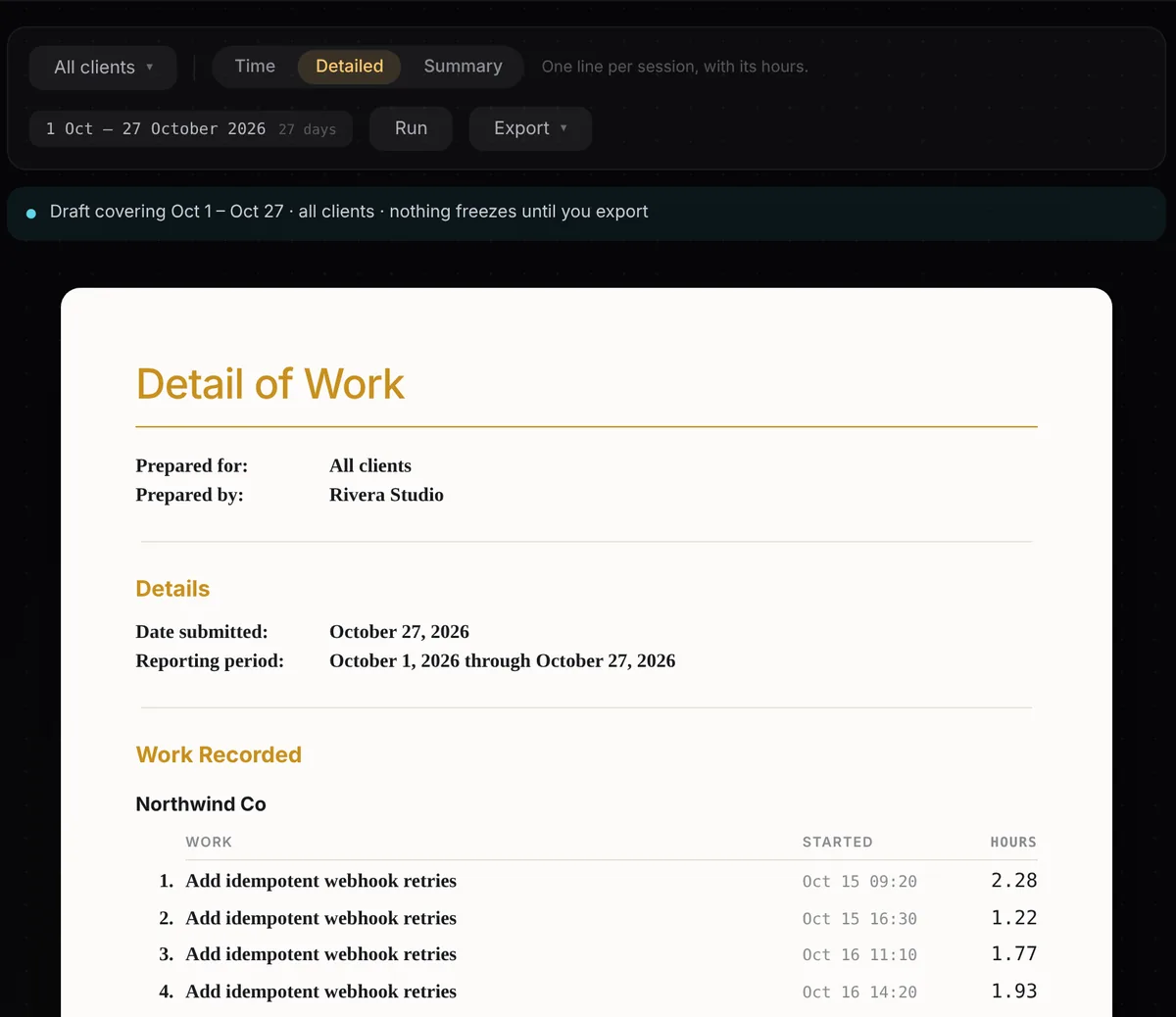
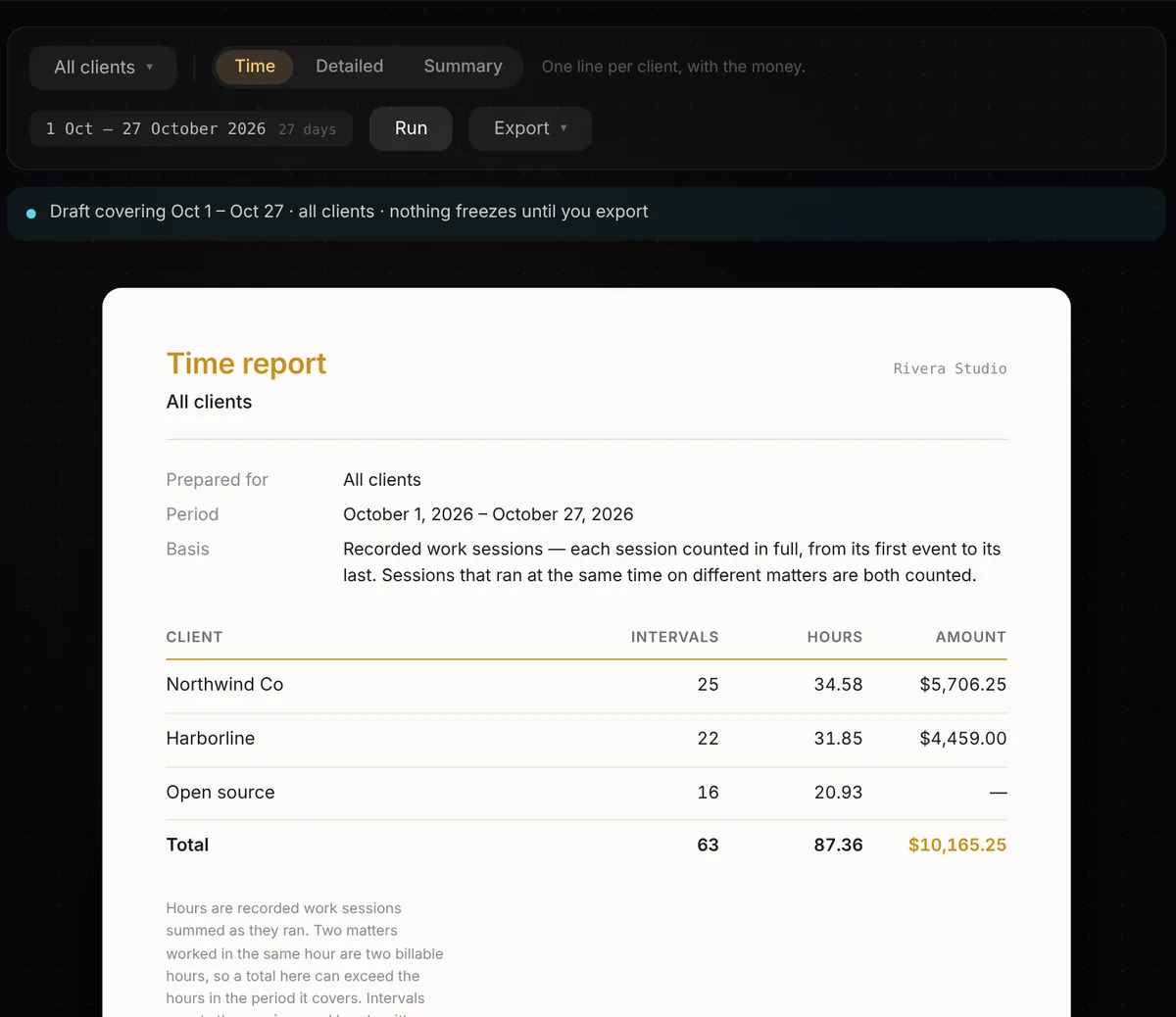
Invoices clients don’t argue with.
Time, detailed and summary reports, rendered as real documents and frozen the moment you export.
- Three report types, one click
- A sent figure never changes
- Every report says how hours were counted
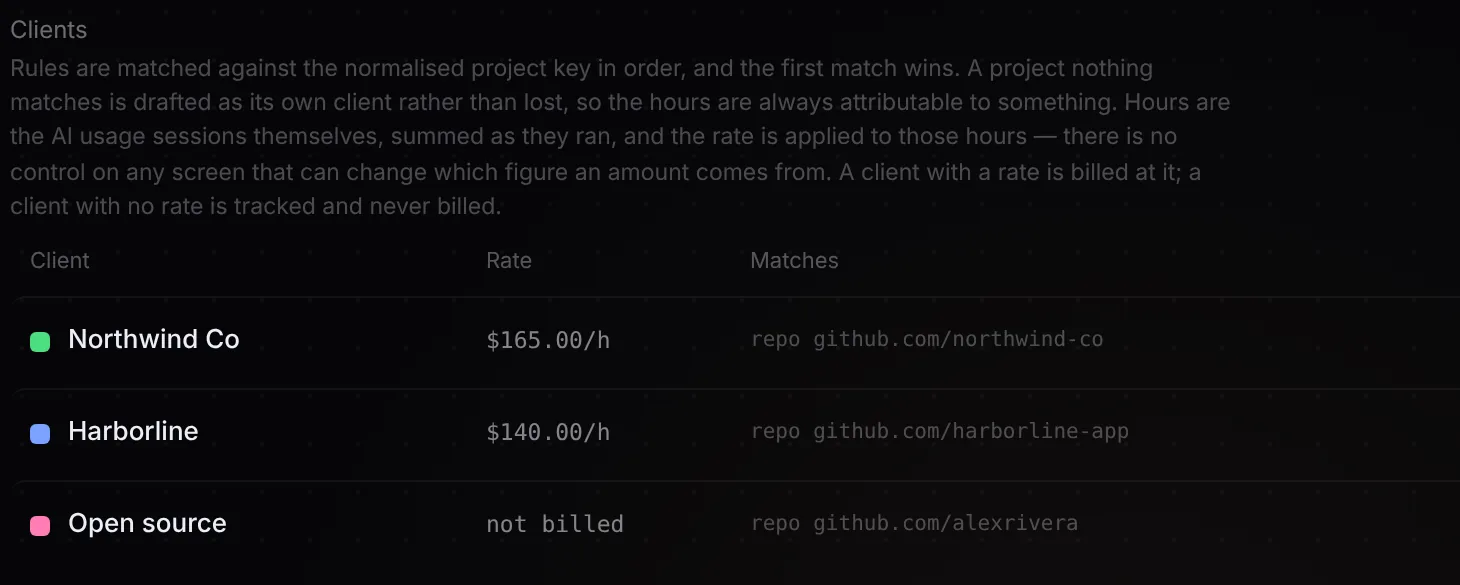
Attribution by rule, not guesswork.
Ordered rules map each repository to a client and a rate. Anything unmatched becomes a draft, never an invented client.
- First match wins, in order
- No rate means tracked, never billed
- Change a rule and history recomputes
Why it’s built this way.
Why count overlapping sessions in full?
Two agents working two clients’ code in the same hour is two hours of billable work. Timetrack counts both, then shows the overlap right next to the total, so nothing is hidden from you or your client.
What makes an hour “defensible”?
It carries proof: a pull request or a commit. The dashboard shows how much of your time has it, and the log makes the rest easy to fix before a client ever asks.
Why never invent a client or a rate?
A wrong name on an invoice costs more trust than a missing one. Unmatched work becomes an unbilled draft you confirm, and a client without a rate is tracked but never charged.
Why freeze reports at export?
Once a client has a number, it can’t quietly change. Edits after export only touch new drafts, so every invoice you’ve sent stays exactly as sent.
Why keep the raw events untouched?
Every figure is rebuilt from the original record. Change a rule and history recomputes cleanly; nothing is ever patched by hand or lost.
What about privacy?
Capture is deny-by-default: only folders you allow are tracked, file paths are redacted, and prompt text is thrown away. It’s self-hosted, so the data never leaves your own database.
What happens if it’s misconfigured?
It fails closed. A half-configured deployment shows an error, never an open dashboard full of client names and rates.
Who built it?
Full Stack Technologies, LLC, designed and built end to end. It’s how we’d build your product, too.