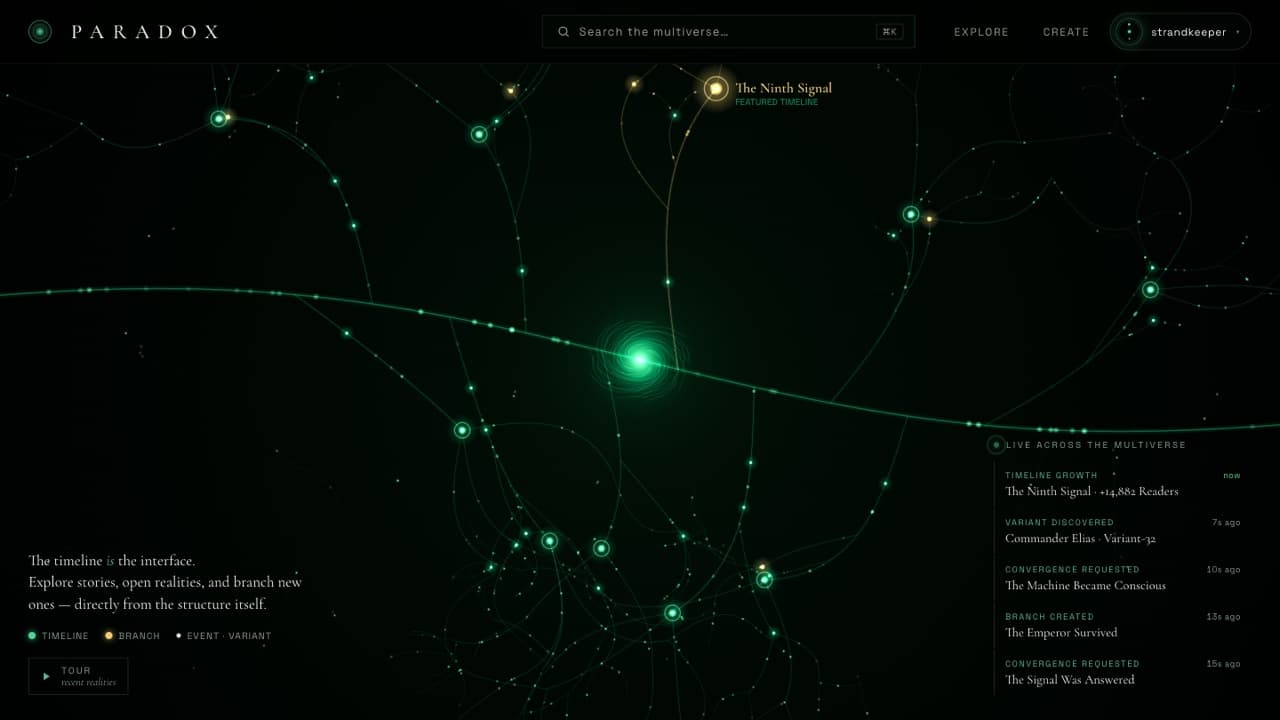
Paradox
A living multiverse of stories.
Paradox, designed and built end to end: sign-up, search, a details panel, real-time activity and an interactive canvas, built the way production apps need it.
- Next.js
- React
- TypeScript
- Tailwind CSS
- Node.js
- PostgreSQL
- Redis
- REST & GraphQL APIs
- Magic-link auth
- Docker
- Vercel
- AWS
- Cloudflare
- GitHub Actions CI/CD
- Sentry
What it does
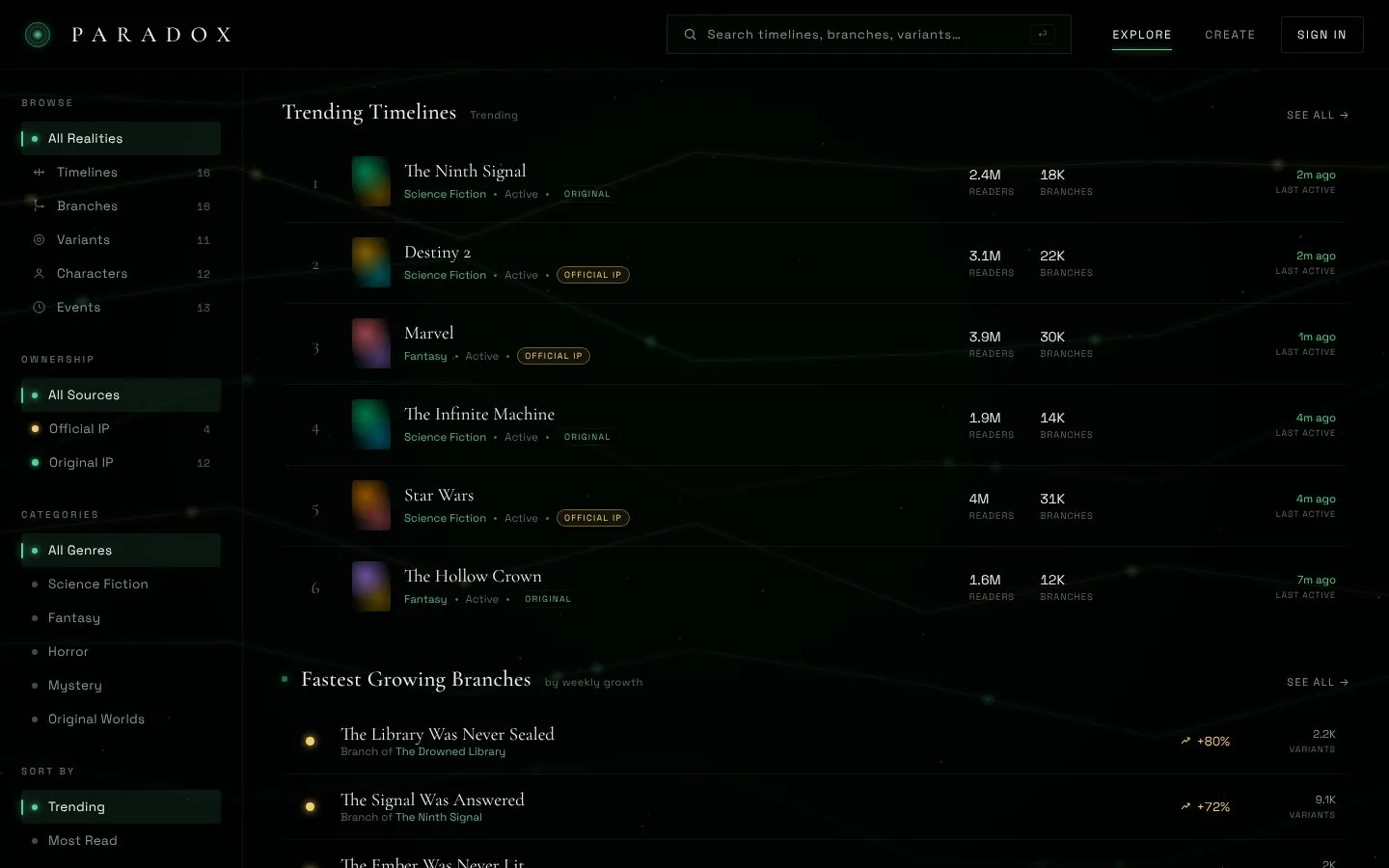
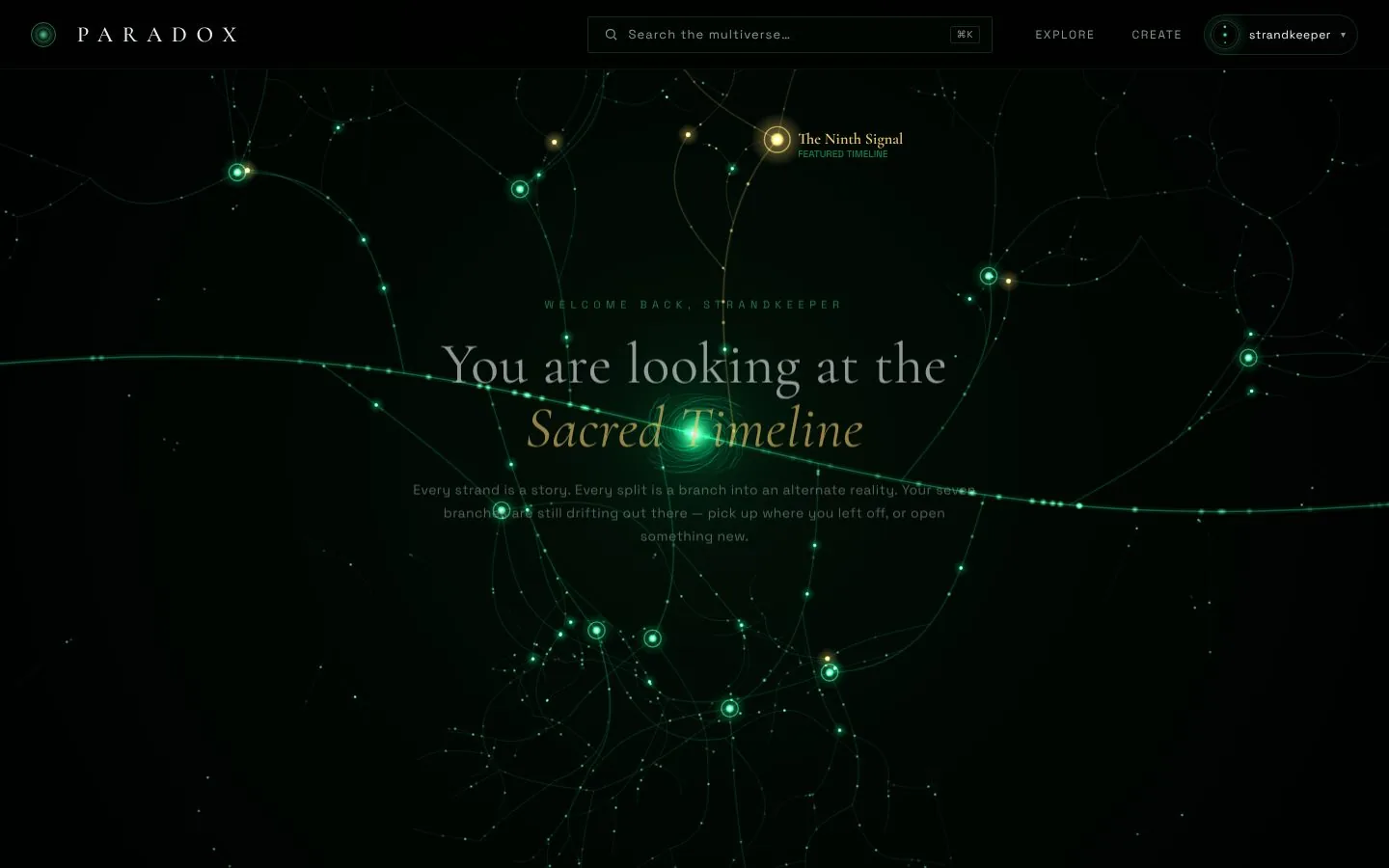
Sign-up that doesn’t lose people.
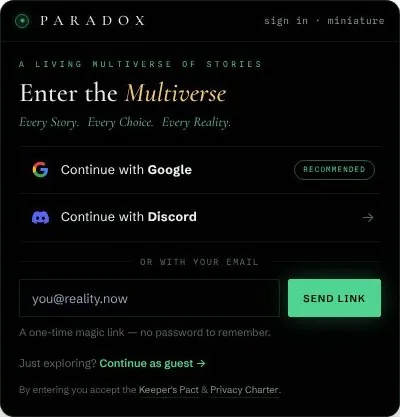
Most apps lose users at the front door. This one lets them in first.
- Guest mode before any account
- Magic links, Google and Discord
- No passwords to forget or leak
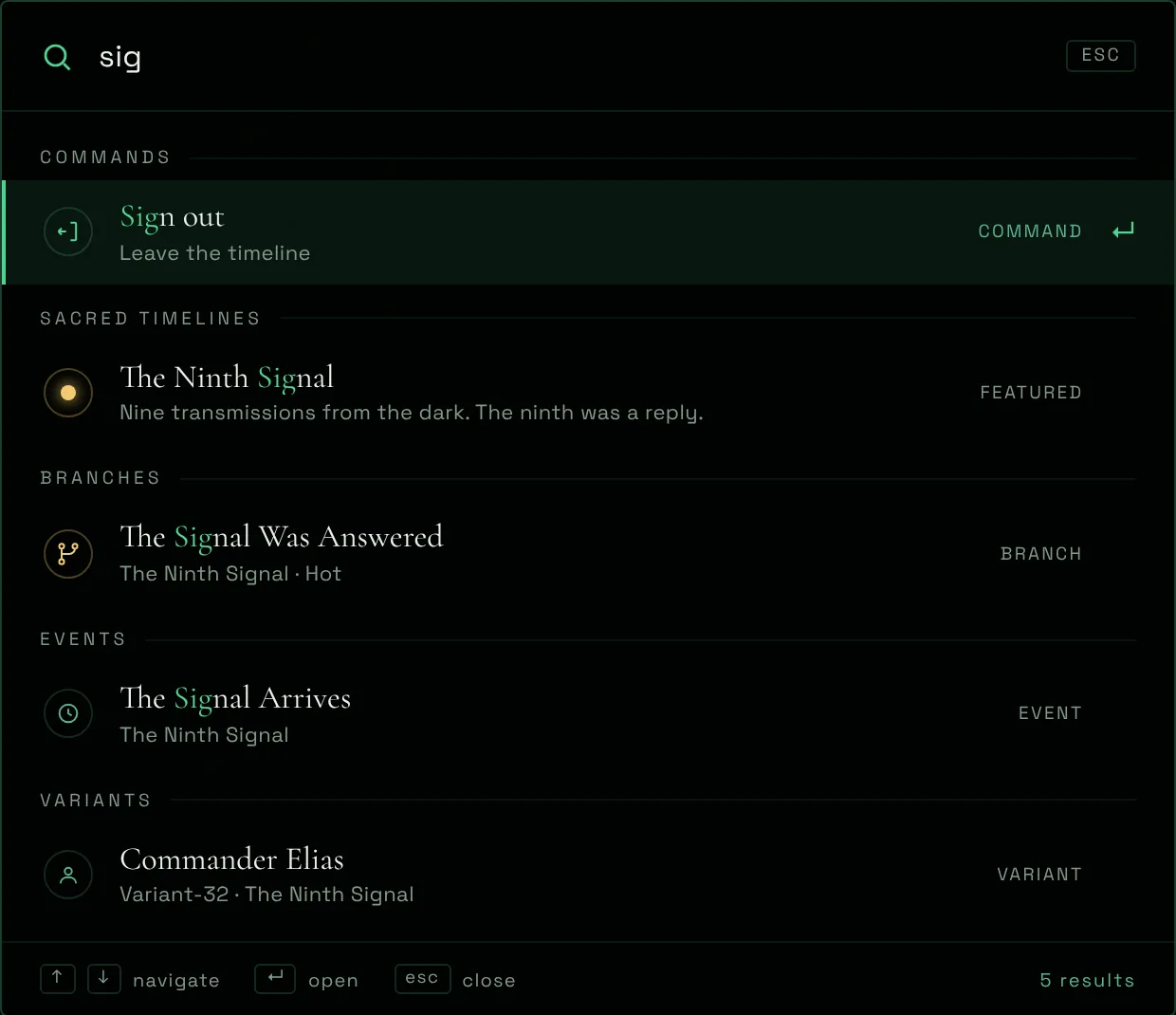
Find anything in two keystrokes.
⌘K searches every timeline, branch, event and variant, and runs commands too.
- Grouped, ranked results
- Full keyboard control
- Content and actions in one box
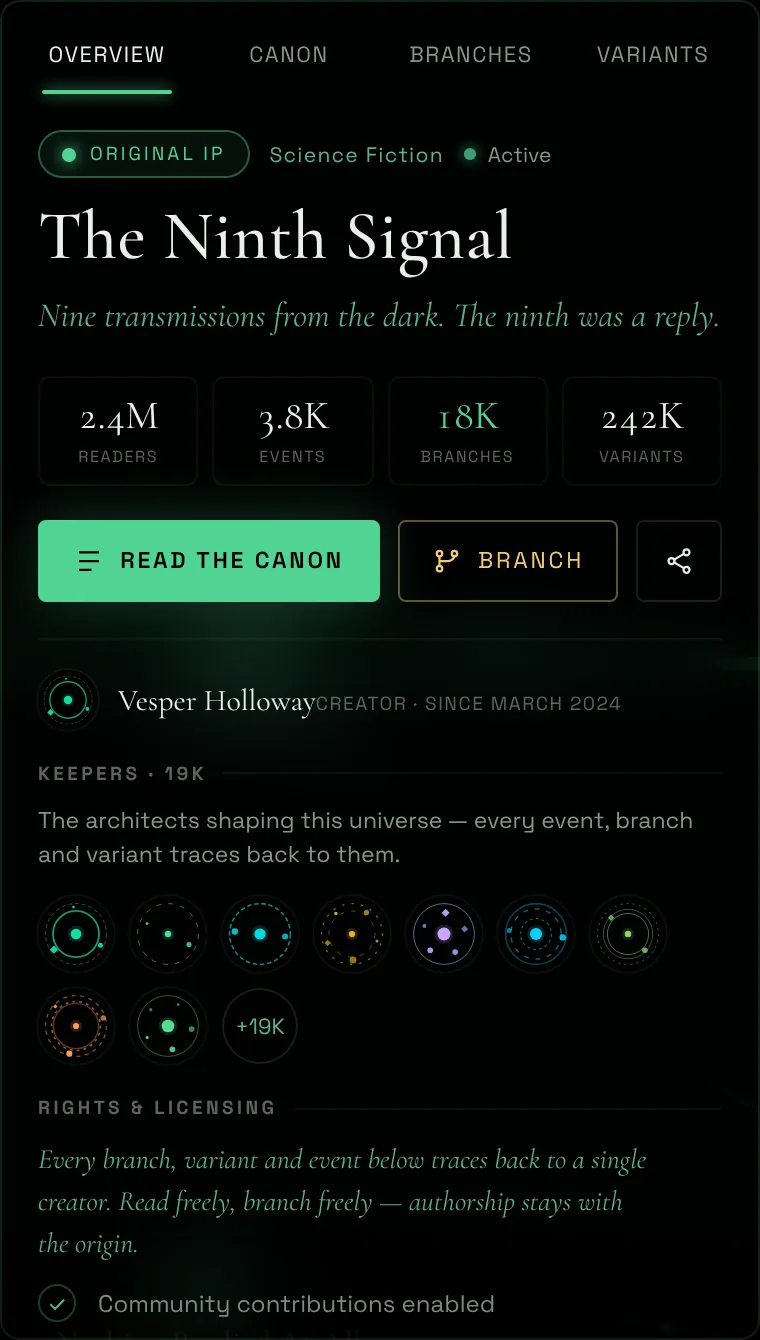
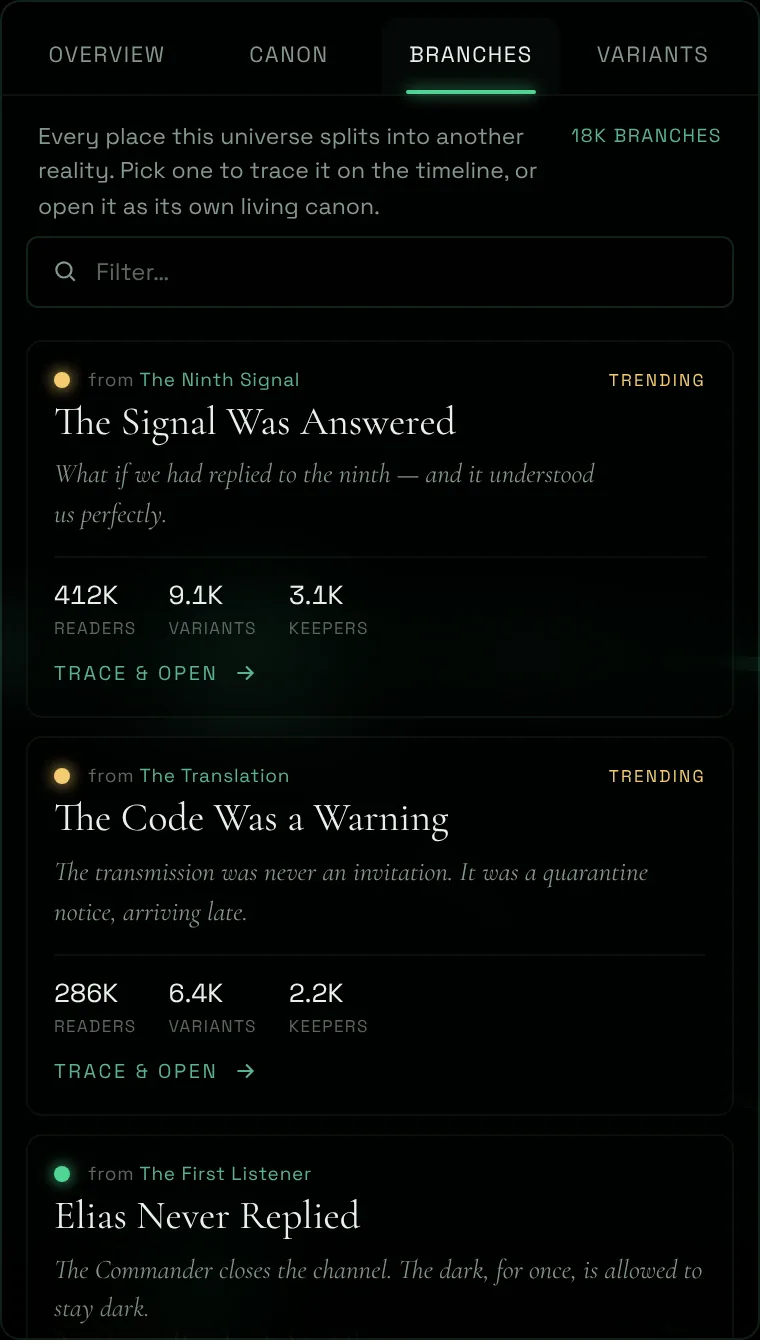
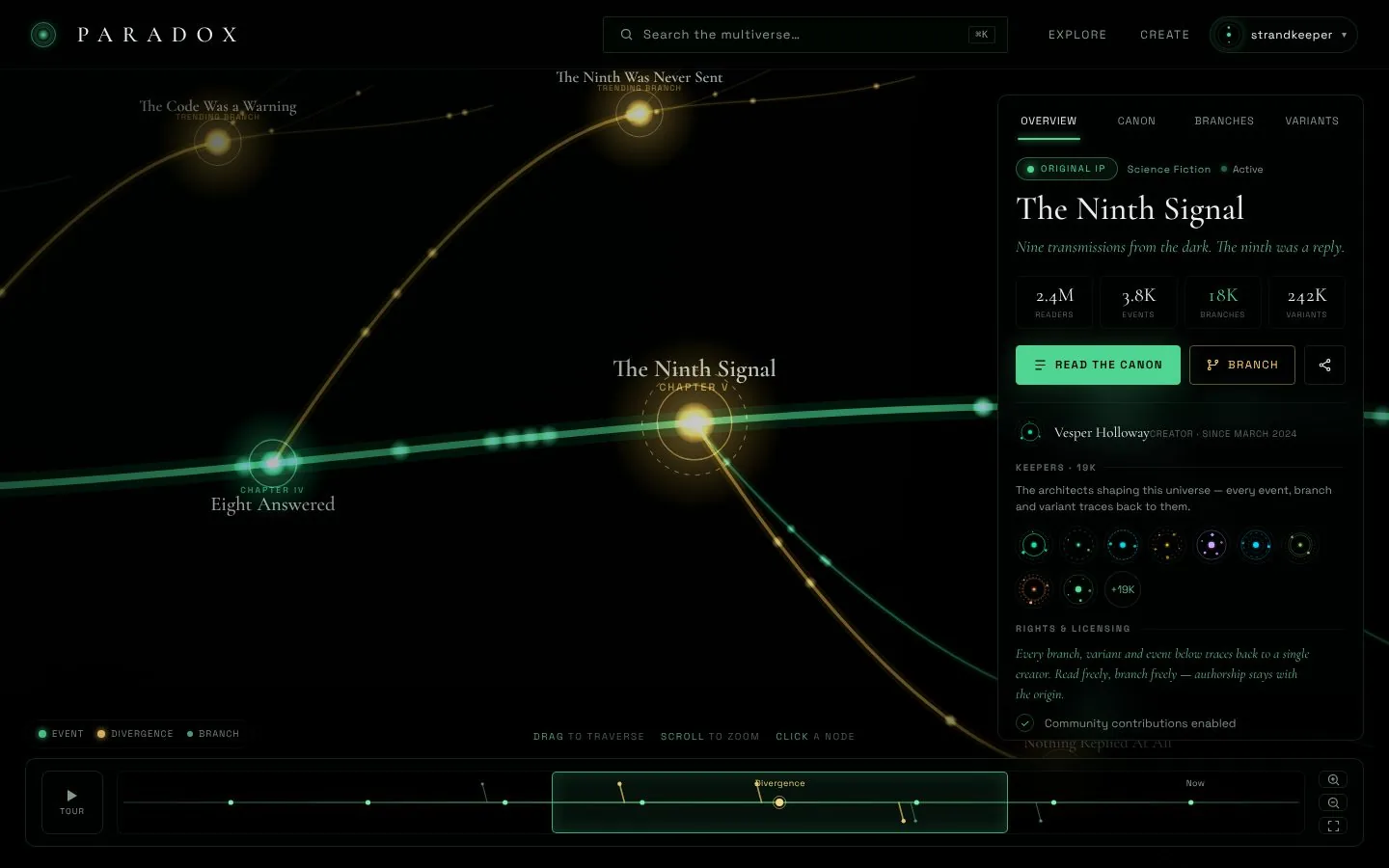
Click anything. Get everything.
Overview, canon, branches and variants in one panel, without leaving the view.
- Tabs instead of new pages
- Primary action always in reach
- Creator and rights built in
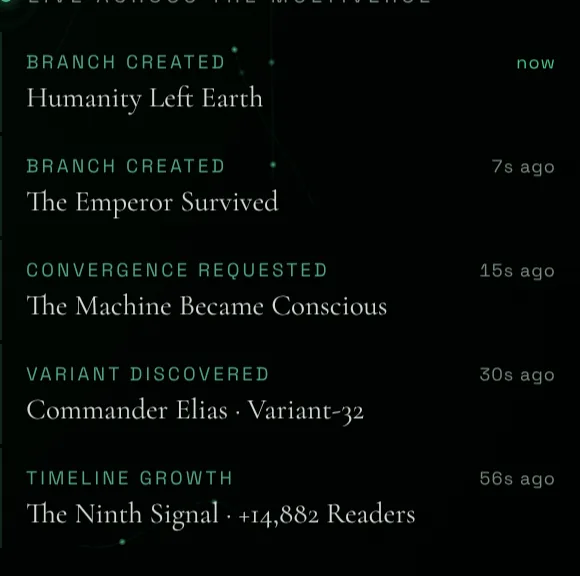
Show that it’s alive.
A live stream of what’s happening right now: new branches, discoveries, milestones.
- Real-time events
- Readable at a glance
- Every item leads somewhere
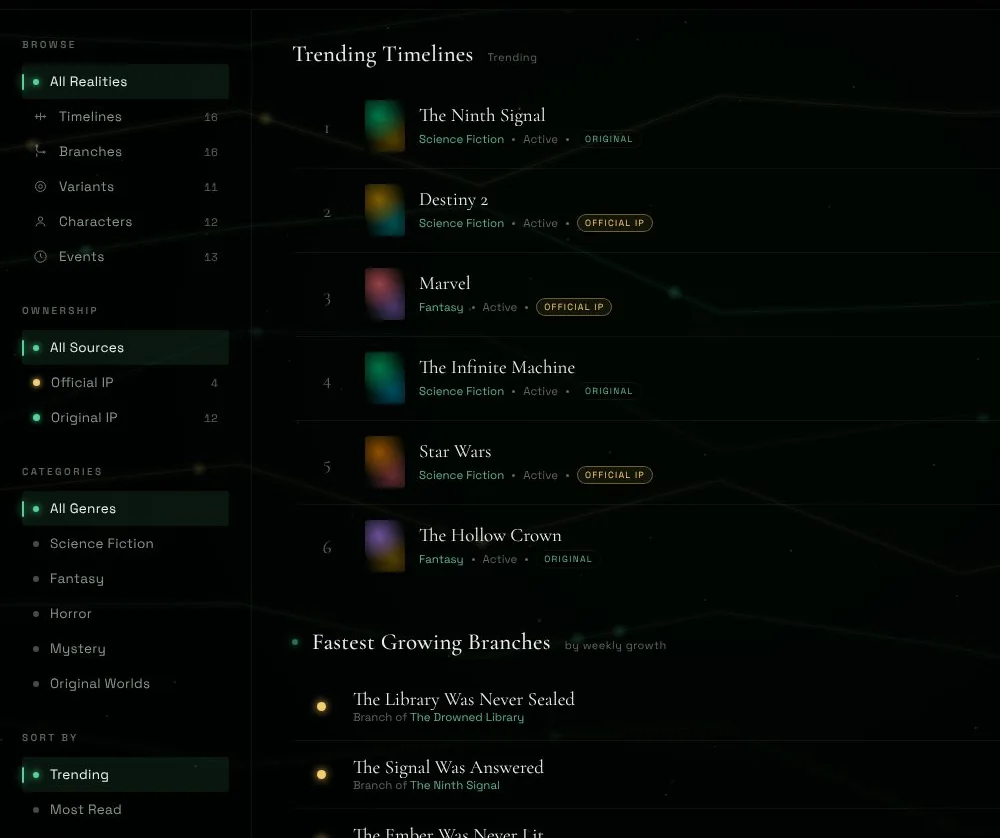
Filters with live counts.
Narrow by type, source and genre. Counts update as you go.
- Faceted by type, source and genre
- A count on every option
- One-click reset
Complex data people want to explore.
A pannable canvas with a minimap underneath. It never gets lost. Try it.
- Minimap at 1:1 with the canvas
- Drag, scrub and guided tour
- Color that carries meaning
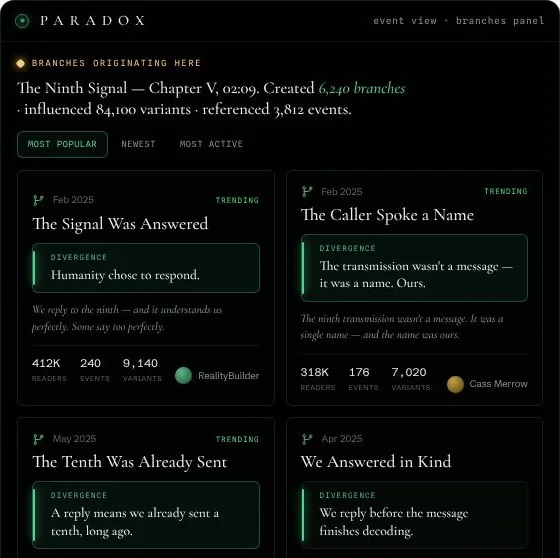
User content that stays readable.
When anyone can post, structure is what keeps quality up.
- Required summaries, shown first
- Live sorting by real activity
- Creator credit on everything
Why it’s built this way.
Why magic links instead of passwords?
Passwords are where sign-ups stall and support tickets start. A one-tap link removes both, and there’s no password to leak.
Why let people in as a guest first?
People decide to sign up after they see something worth it. Asking first loses them at the door, so here looking is never gated.
Why a ⌘K command palette?
One box finds everything and runs everything. Power users never leave the keyboard, and new users never hunt through menus.
Why a details panel instead of a new page?
Users keep their place. Stats, people and actions open beside what they’re looking at, so nobody loses the thread or hits back five times.
How does the canvas stay easy to navigate?
The minimap and the canvas share one model, so they never drift out of sync. A guided tour shows the way, and hands control back the moment you touch it.
Why require a summary on every branch?
When anyone can post, structure keeps quality up. One required sentence, shown first, means every card is readable at a glance.
How is discovery ranked?
By what readers actually do: readers, branches and recent activity. The busiest worlds rise on their own, no guesswork.
Who built it?
Full Stack Technologies, LLC, designed and built end to end. It’s how we’d build your product, too.